
Windows 365 & Azure VDI
Cloud desktops that let users work anywhere while keeping apps, data, and access under tighter control and simpler support governance.
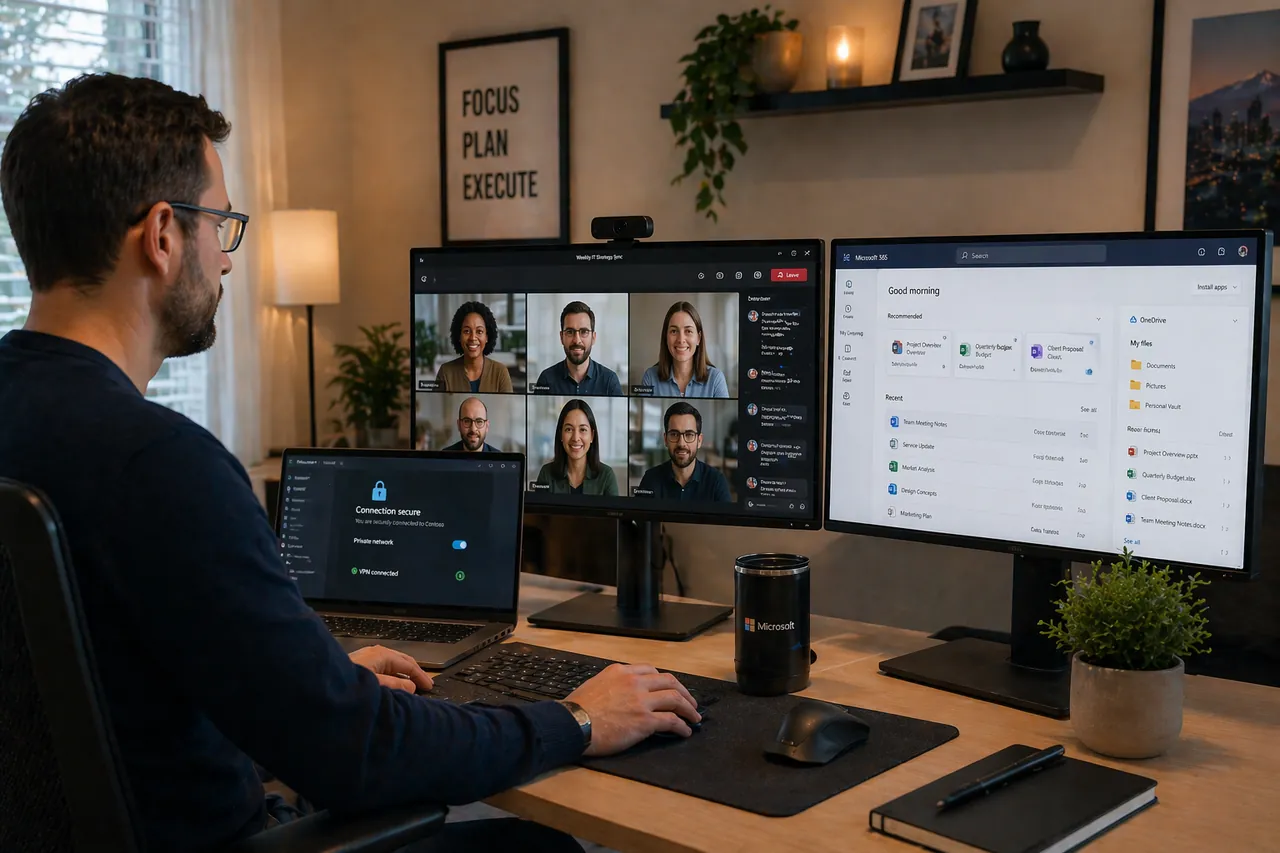
Windows 365 and Azure Virtual Desktop give users access to a full Windows environment without tying work to one physical machine. That can simplify remote work, contractor access, and device transitions while keeping applications and data in a more controlled environment.
Access That Is Easier to Control
Cloud desktops make it easier to standardize the user experience, reduce local device dependence, and apply tighter policies around data access and application delivery. We design the platform around security, performance, and operational simplicity.
Built for Real Users, Not Just Architecture Diagrams
Success depends on sizing, identity integration, profile handling, and ongoing performance management. We make sure the platform is usable for the team, not just technically deployed.
Choosing Between Windows 365 and Azure Virtual Desktop
Windows 365 is often the cleaner fit when predictable per-user Cloud PCs and simpler administration matter most. Azure Virtual Desktop is more flexible when application delivery, pooled desktops, specialized workloads, or consumption-based architecture justify additional complexity. We compare user profiles, application requirements, operating effort, and cost drivers before recommending either path.
Managed Operations After Deployment
Cloud desktops need ongoing ownership across image management, profile health, identity controls, performance, capacity, patching, and cost. We document the environment, monitor the operating signals, and keep escalation responsibility clear after launch.
A Compact Fit Check
- Dedicated, predictable Cloud PCs: evaluate Windows 365 when a consistent per-user desktop and simpler provisioning fit the requirement.
- Pooled or specialized delivery: evaluate Azure Virtual Desktop when application publishing, session pooling, or architecture flexibility justify more operational responsibility.
- Neither by default: keep a managed physical device when applications, peripherals, offline use, or network latency make cloud desktops impractical.
Bring user profiles, application dependencies, location and bandwidth constraints, peripheral needs, and acceptable outage impact. Verify eligible user licenses, operating-system and application rights, Azure consumption, profile storage, and management responsibilities separately. A pilot validates sign-in, application performance, printing, recovery, and cost assumptions before rollout.
What's Included
- Windows 365 Cloud PC sizing and provisioning
- Azure Virtual Desktop deployment
- User profile and data management
- Application compatibility assessment
- Performance monitoring and optimization
- Hybrid identity configuration
- Cost optimization and right-sizing
- Endpoint management integration
Related Paths
Use the path that matches whether the real need is Microsoft platform administration, broader AI strategy, or bespoke application delivery.
Need Help with Windows 365 & Azure VDI?
Tell us about the users, applications, devices, and locations that need desktop access. We will discuss the right discovery scope.